Amazon Fire TV
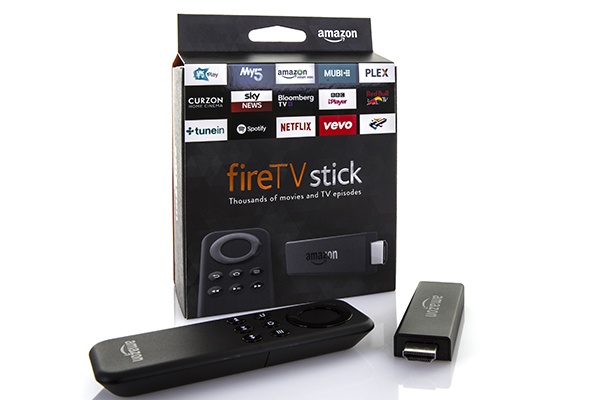
How to watch on an Amazon Fire TV
Fire TV, Fire TV Stick
How do I install the Great American Pure Flix app on my Amazon Fire Stick/TV?
To find Great American Pure Flix on an Amazon Fire TV device:
- Click the “Home” button (looks like a house on the remote)
- At the top scroll to the left to the magnifying glass “Search”
- Type “pureflix” (without spaces)
- Click on the word “pureflix”
- Scroll down to “Apps & Games”
- Select the “Great American Pure Flix” app
- Click the Cloud Icon “Download”
-OR- (newer generation Fire Devices)
- Click the "Home" button on the remote (Looks like a house)
- Scroll to and select "Find" on the left
- Scroll down and select "Search"
- Type "Great American Pure Flix"
- Scroll down to "Apps and Games"
- Select the Great American Pure Flix app
- Click the cloud icon "Download"